
Laravel Goto
Goto various Laravel files by Alt+Left-Click
Details
Installs
- Total 15K
- Win 10K
- Mac 2K
- Linux 3K
| Oct 4 | Oct 3 | Oct 2 | Oct 1 | Sep 30 | Sep 29 | Sep 28 | Sep 27 | Sep 26 | Sep 25 | Sep 24 | Sep 23 | Sep 22 | Sep 21 | Sep 20 | Sep 19 | Sep 18 | Sep 17 | Sep 16 | Sep 15 | Sep 14 | Sep 13 | Sep 12 | Sep 11 | Sep 10 | Sep 9 | Sep 8 | Sep 7 | Sep 6 | Sep 5 | Sep 4 | Sep 3 | Sep 2 | Sep 1 | Aug 31 | Aug 30 | Aug 29 | Aug 28 | Aug 27 | Aug 26 | Aug 25 | Aug 24 | Aug 23 | Aug 22 | Aug 21 | |
|---|---|---|---|---|---|---|---|---|---|---|---|---|---|---|---|---|---|---|---|---|---|---|---|---|---|---|---|---|---|---|---|---|---|---|---|---|---|---|---|---|---|---|---|---|---|
| Windows | 1 | 0 | 0 | 0 | 1 | 2 | 0 | 0 | 0 | 0 | 1 | 0 | 0 | 1 | 1 | 0 | 0 | 0 | 0 | 0 | 1 | 1 | 1 | 1 | 0 | 1 | 1 | 0 | 1 | 0 | 0 | 0 | 0 | 1 | 1 | 1 | 0 | 0 | 1 | 0 | 0 | 2 | 0 | 0 | 0 |
| Mac | 0 | 0 | 1 | 0 | 1 | 1 | 1 | 0 | 1 | 0 | 4 | 1 | 1 | 2 | 0 | 0 | 0 | 2 | 0 | 1 | 1 | 0 | 0 | 1 | 0 | 0 | 1 | 0 | 0 | 0 | 0 | 0 | 2 | 0 | 0 | 1 | 0 | 0 | 0 | 0 | 1 | 0 | 1 | 0 | 2 |
| Linux | 0 | 0 | 2 | 0 | 0 | 1 | 0 | 0 | 0 | 0 | 0 | 0 | 1 | 0 | 0 | 0 | 0 | 0 | 1 | 0 | 0 | 1 | 0 | 0 | 0 | 1 | 0 | 1 | 2 | 0 | 0 | 0 | 2 | 1 | 0 | 0 | 0 | 0 | 1 | 0 | 1 | 0 | 0 | 0 | 1 |
Readme
- Source
- raw.githubusercontent.com
Laravel Goto


Quick navigation extension for Laravel projects. Jump to views, controllers, configs, language files and more with a single click.
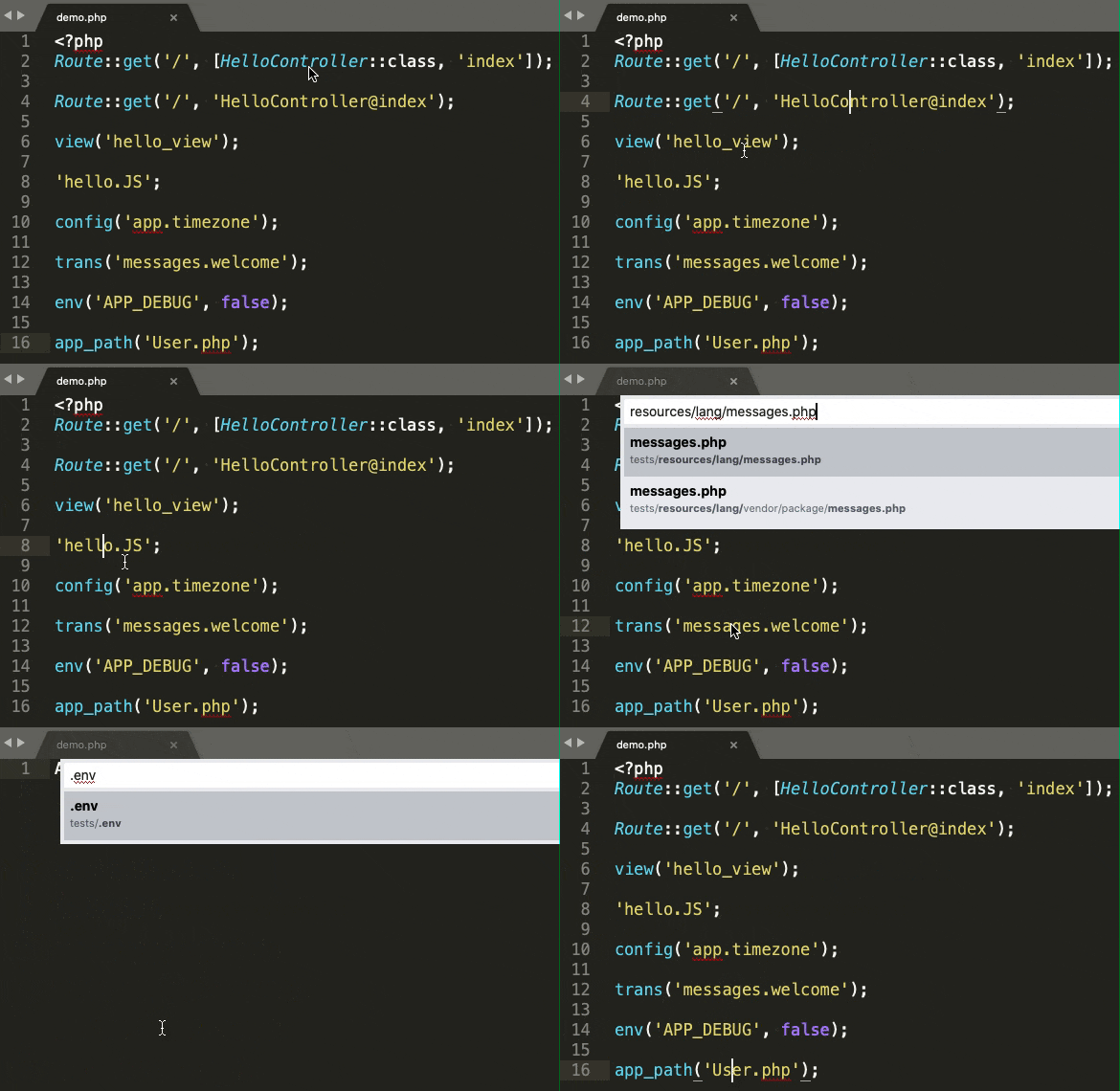
Usage
Method 1: Select text and press Alt + ;
Method 2: Select text → Right-click → Choose Laravel Goto
Features
Views & Components
Blade Templates
Jump to blade view files from:
view('hello_view', ['name' => 'James']);

Route::view('/', 'pages.public.index');

@includeIf('view.name', ['status' => 'complete'])

@each('view.name', $jobs, 'job', 'view.empty')

@extends('layouts.app')
Blade Components
<x-alert:hello />
Inertia.js
Route::inertia('/about', 'About/AboutComponent');

Inertia::render('MyComponent');

inertia('About/AboutComponent');
Livewire
@livewire('nav.show-post')

<livewire:nav.show-post />
Controllers & Routes
Controller Actions
Jump to controllers with method highlighting:
Route::get('/', 'HelloController@index');

Route::resource('photo', 'HelloController', ['only' => ['index', 'show']]);
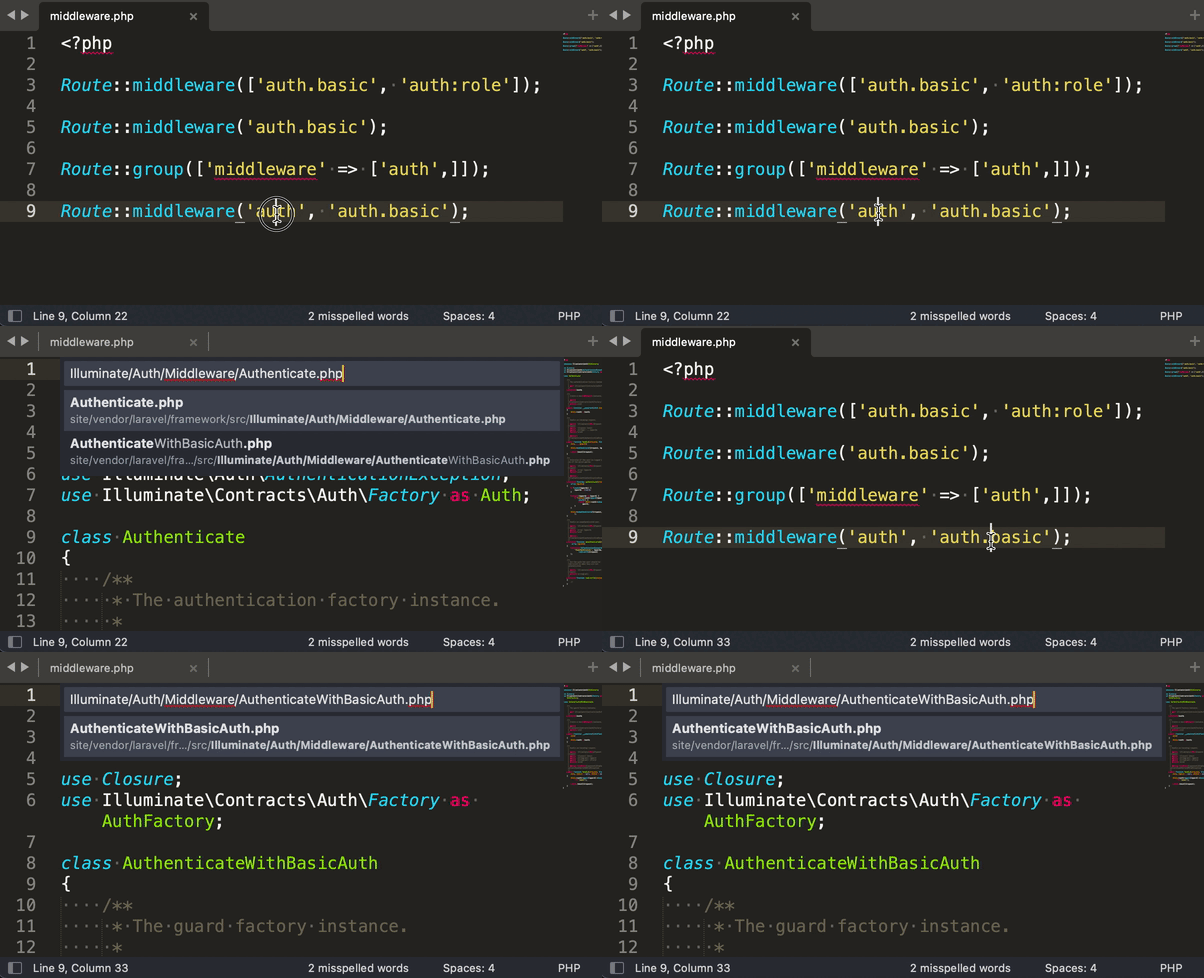
Middleware
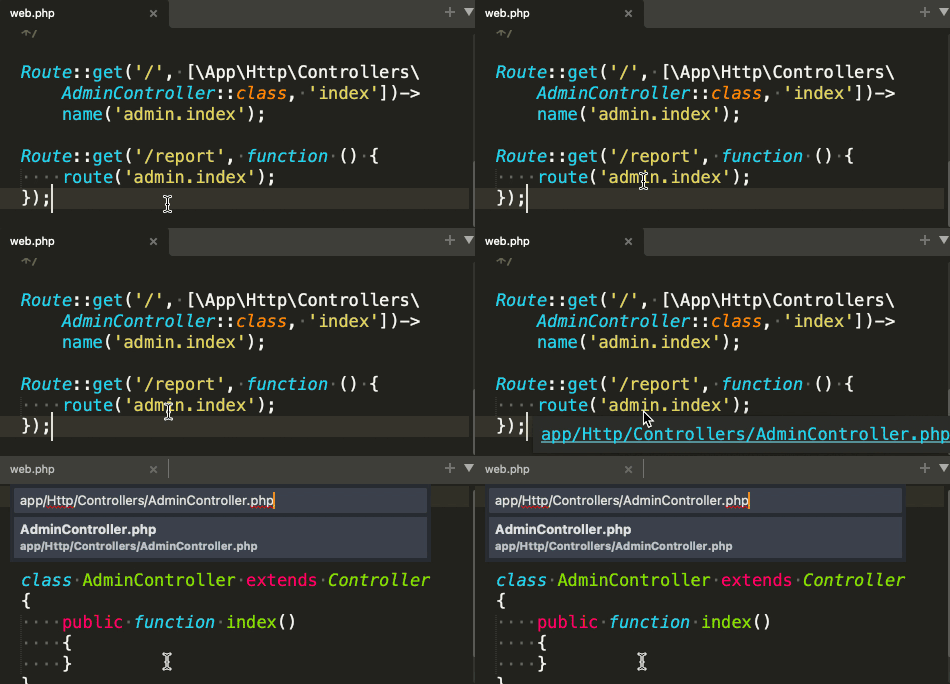
Route Helpers
URI-based Navigation
Use command Laravel Goto: Go to Controller via Uris to browse all routes:

Configuration
Config Files
Jump to config files with option highlighting:
Config::get('app.timezone');

Config::set('app.timezone', 'UTC');
Filesystem Disks
Storage::disk('local')->put('example.txt', 'Contents');
Environment Variables
env('APP_DEBUG', false);
🌐 Localization
Jump to language files:
__('messages.welcome');

@lang('messages.welcome');

trans('messages.welcome');

trans_choice('messages.apples', 10);
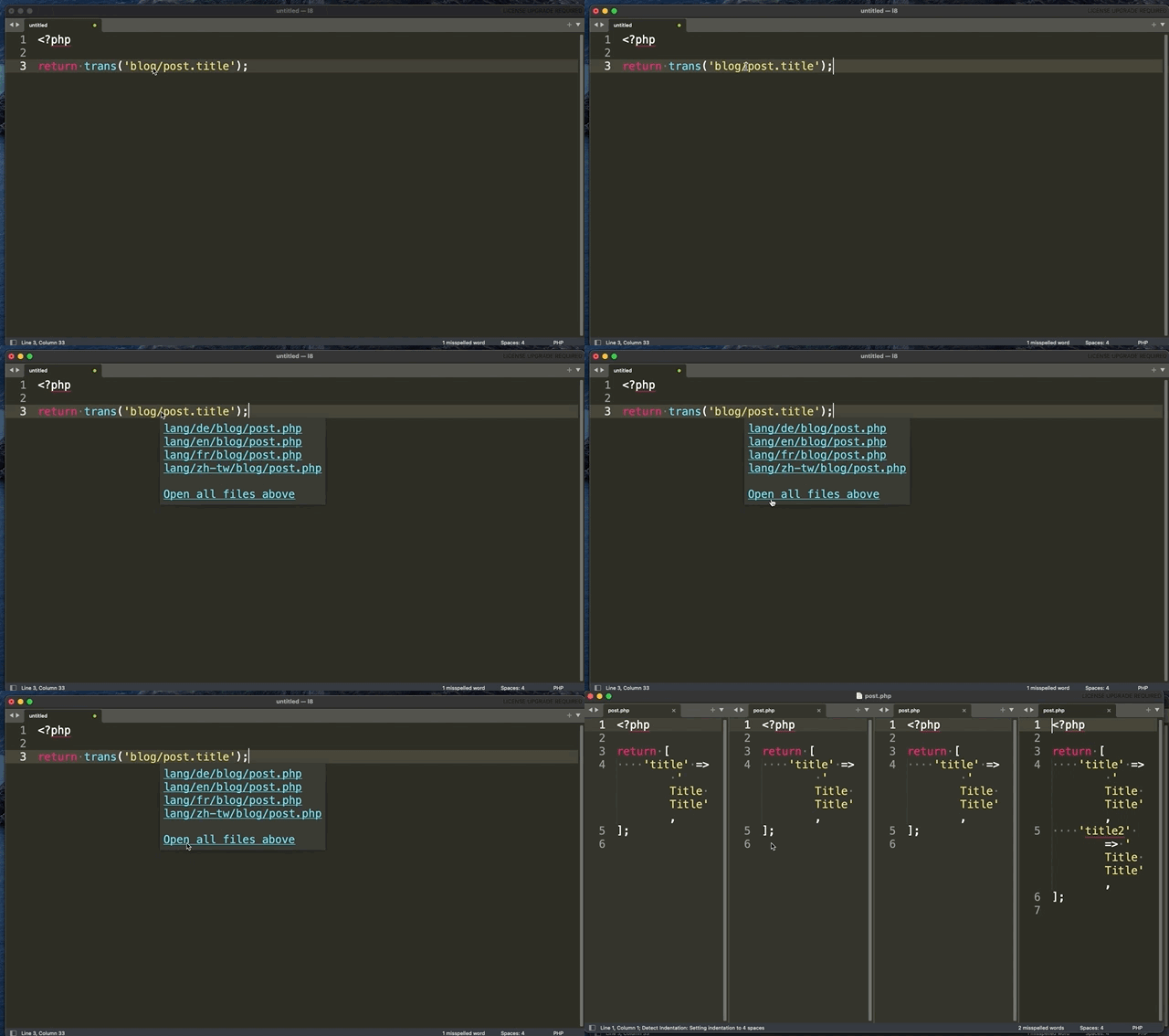
Jump to language files or open all matching files with highlighting:
Other Features
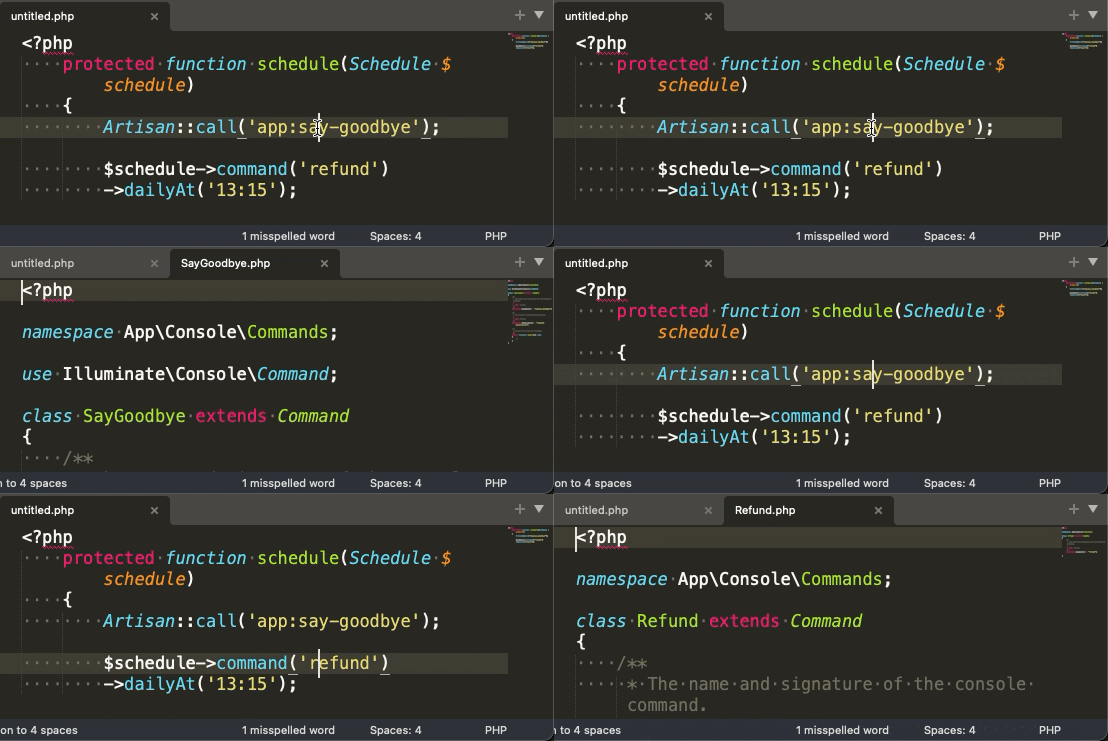
Artisan Commands
Path Helpers
app_path('User.php');

base_path('vendor');

config_path('app.php');

database_path('UserFactory.php');

public_path('css/app.css');

resource_path('sass/app.scss');

storage_path('logs/laravel.log');
Static Files
Jump to static assets:
$file = 'js/hello.js';
Supported extensions: js, ts, jsx, vue, css, scss, sass, less, styl, htm, html, xhtml, xml, log
Log Files
Use command Laravel Goto: Go to Log file:

Installation
Package Control
- Press
Ctrl+Shift+Pthen selectPackage Control: Install Package - Search for
Laravel Goto
Manually
Clone the repository into your Sublime Text Packages directory:
- MacOS:
~/Library/Application Support/Sublime Text 3/Packages/LaravelGoto - Linux:
~/.config/sublime-text-3/Packages/LaravelGoto - Windows:
%APPDATA%\Sublime Text 3\Packages\LaravelGoto
Settings
You can customize the extension via Preferences > Package Settings > LaravelGoto > Settings.
| Key | Descriƒption | Default |
|---|---|---|
php_bin |
Path to your PHP executable | "php" |
show_hover |
Show hover phantom if available | true |
static_extensions |
Additional static file extensions to support | [] |
Example configuration: “json { "php_bin”: “c:\php\php.exe”, “show_hover”: true, “static_extensions”: [“webp”, “svg”] }